

Description
Yealink CP960W Dubai Conference Phone Dubai
Long boardroom table. Glass on two sides. AC running harder than it should because it’s July in Dubai. The person near the middle of the table is clear on the call. The two people near the far end sound like they are speaking from the corridor. That is usually where a standard conference phone starts to fall apart.
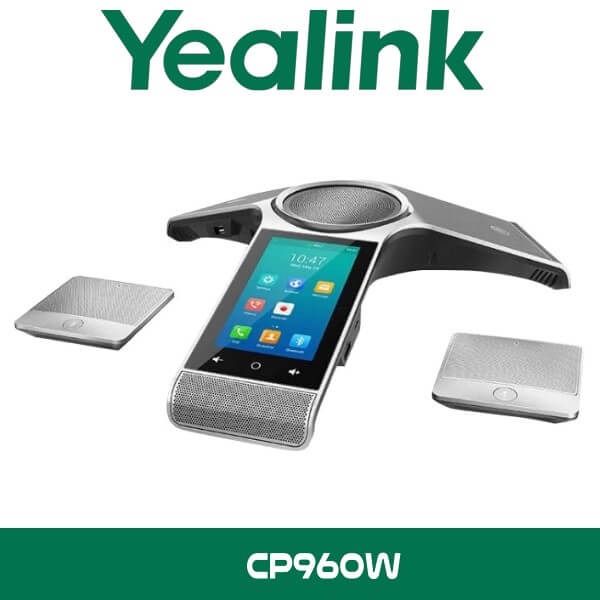
The Yealink CP960W fixes that room by starting with the right format. A proper conference phone in the centre of the table, then wireless microphones placed where the room actually needs them. No mic cables crossing the table. No one passing a speakerphone around. For meeting rooms in DIFC, DMCC, JLT, and Business Bay where the table is longer than usual and the room is used for daily client calls, this setup makes more sense than trying to stretch one pickup point across the whole room. Yealink CP960W UAE supply and installation is available across Dubai and all other emirates.
6m
360° Voice Pickup
5″
Touchscreen Display
2×
Wireless Expansion Mics
Wi-Fi
Bluetooth Built In
What CP960W Actually Solves in a UAE Boardroom
A lot of meeting rooms don’t need video first. They need clean, consistent voice pickup for hybrid calls, internal management calls, extension-based conferencing, and Teams audio meetings. That’s where the CP960W fits. The base conference phone sits naturally in the middle of the table and gives you 20 feet or 6 metres of 360-degree pickup from its built-in microphone array. Then the wireless microphones extend coverage for positions the main unit shouldn’t be forced to reach.
In real terms, that matters in rooms with 10 to 16 seats, especially when the table is long, the walls are reflective, and there is constant low HVAC noise in the background. Most Dubai offices have at least one room like that. Not a huge boardroom. Not a huddle room either. Just a table where one central device on its own won’t give equal pickup to everyone.
The wireless mic part is what makes this bundle useful. You can place the extra microphones closer to the far-end seats instead of expecting people to lean forward every time they speak. Cleaner conversation. Less repetition. Fewer meetings that start with “say that again.”
Base Unit Plus Wireless Microphones — Why This Bundle Works
The main CP960 unit already handles most medium meeting rooms on its own. It has the familiar conference-phone shape, a 5-inch touch display for call control, and built-in Wi-Fi and Bluetooth so the table doesn’t become a cable collection point. For rooms that regularly seat more people or stretch longer across the far side of the table, the wireless microphones are the upgrade that changes the room from usable to properly covered.
| Bundle | Includes | Best For |
|---|---|---|
| CP960 | Conference phone main unit | Medium meeting rooms where the table stays within the core 6m pickup zone |
| CP960W | CP960 main unit + wireless expansion microphones | Longer boardroom tables, 10+ seat rooms, hybrid calls where far-end voices need better placement |
If your boardroom sits in a tower with heavy glass partitions and hard surfaces, mic placement matters more than brochure language. The CP960W gives you that flexibility without asking facilities teams to pull new tabletop cabling. That is the part buyers usually understand immediately once they see the room layout.
Which Room Size Fits — And When It Doesn’t
The CP960W is a better fit for medium to large conference rooms where audio is the priority. Think formal meeting spaces, executive boardrooms, or shared rooms used for Teams audio, SIP conference calls, and client discussions. It is not the right choice for every room.
| Room Type | Seats | Recommended |
|---|---|---|
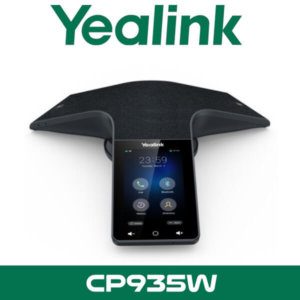
| Small Meeting Room | 4–8 | CP935W |
| Medium Boardroom | 8–12 | CP960 / CP960W |
| Long Table Boardroom | 10–16 | CP960W with wireless mics |
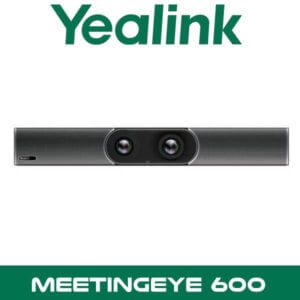
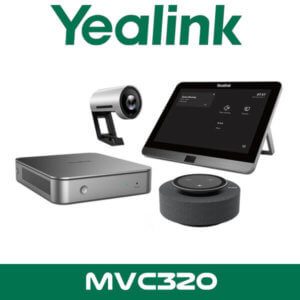
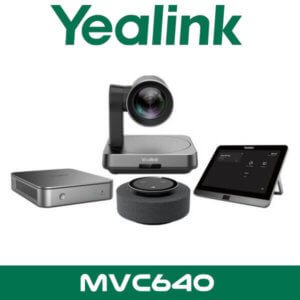
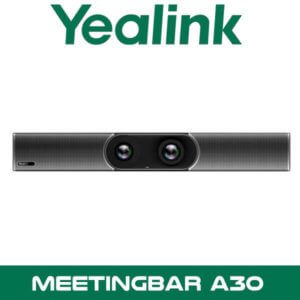
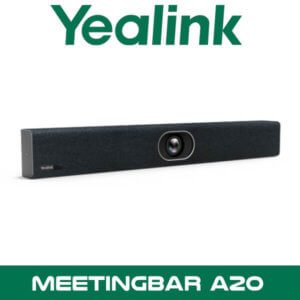
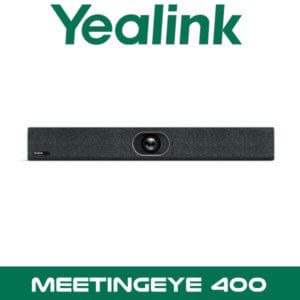
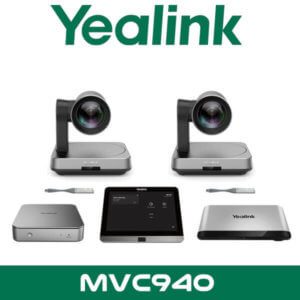
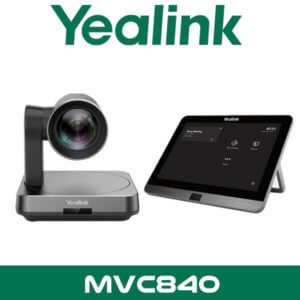
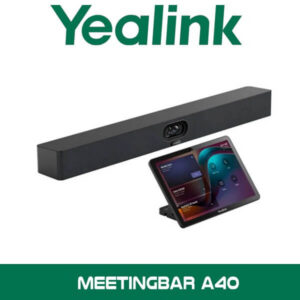
| Video-First Meeting Room | 4–12 | MeetingBar and MVC systems |
Not the right fit?
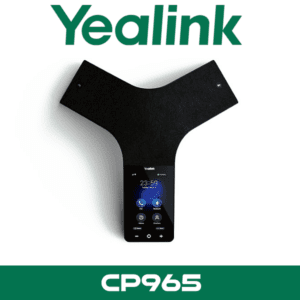
If your room is mainly video meetings with camera framing and screen sharing as the priority, a Yealink video conferencing system is the better route. If you want a newer conference phone for smaller rooms or more mobile placement, the Yealink CP935W or Yealink CP965 makes more sense.
Audio Coverage That Makes Sense on a Long Table
The headline number on the CP960 is straightforward: 20 feet or 6 metres of 360-degree pickup from the built-in three-microphone array. That already covers a lot of medium meeting rooms. But the better way to think about this product is not the maximum radius. It is placement. Where are the people who speak the least clearly in your room? Usually the far-end seats. Usually the seats nearest the glass wall or under the AC vent.
Main Unit Coverage
The CP960 main conference phone covers up to 6 metres with 360-degree pickup, which suits many 8-to-12-seat rooms where the device sits correctly at the centre of the table.
Wireless Mic Flexibility
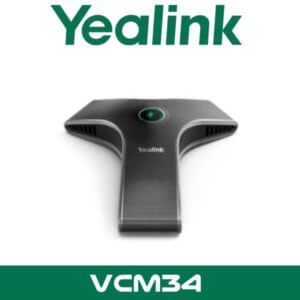
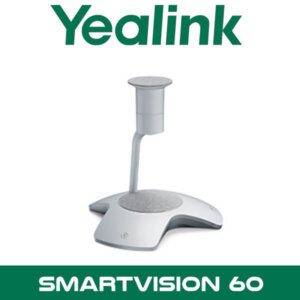
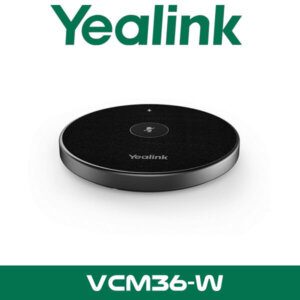
Each CPW90 wireless expansion microphone is designed for flexible placement and covers up to a 3-metre pickup radius, which helps on longer boardroom tables without running visible mic wires across the tabletop.
Better for Hybrid Conversations
In UAE offices where some people join from the room and others dial in remotely, balanced pickup matters more than loudness. The CP960W gives quieter participants a fairer chance of being heard from the first sentence.
That is why this bundle still works well for audio-led boardrooms. It doesn’t try to be everything. It handles voice properly, and for many firms still using conference calls, extension dialling, and Teams audio meetings, that is exactly the point.
Microsoft Teams Edition or SIP Deployment
There are two practical buying routes for this product. One is the Teams edition for organisations that want the room phone tied directly into Microsoft Teams meetings and room calendars. The other is the SIP route for companies using IP-PBX systems, hosted telephony, or extension-based conference calling across the office.
SIP / IP-PBX ✓
3CX ✓
Etisalat / du SIP ✓
Wi-Fi / Bluetooth ✓
The Teams version is useful when the meeting room already lives inside Microsoft 365. Calendar visibility on the touchscreen, meeting join controls, and Teams calling all stay on the device itself. No one has to explain the room workflow to new staff every week.
The SIP version is the better fit where the conference room needs to register as an extension on the office phone system. That is still common in Dubai firms using 3CX, hosted SIP, and mixed telephony environments linked to Etisalat or du services. During installation, the phone can be registered, tested, and tuned for the room so it behaves like part of the wider office telephony setup, not a standalone gadget.
Technical Specifications
| Specification | Detail |
|---|---|
| Display | 5-inch multi-touch screen |
| Built-in Microphones | 3-microphone array |
| Pickup Range | 20 ft / 6 m, 360-degree voice pickup |
| Expansion Microphones | Supports wireless expansion microphones |
| Wireless | Built-in Wi-Fi and Bluetooth |
| Room Type | Medium to large conference rooms |
| Platform Option | SIP or Microsoft Teams edition |
| Other Functions | Call control, conferencing, Bluetooth pairing, optional external audio integration |
What’s in the Box
A standard CP960W supply includes the main conference phone, power components, network connection accessories, and the wireless microphone set for wider room pickup. Final bundle contents can vary slightly depending on whether the room is being supplied as a SIP deployment or Microsoft Teams edition, so we confirm the exact package before delivery.
For most Dubai boardrooms, we also confirm table position, nearest network point, and whether the buyer wants the room connected to an existing PBX extension, Teams account, or direct conference calling workflow before installation day. That avoids the usual last-minute changes after the unit reaches site.
Not included — order separately if needed
Additional IP phone licences, custom tabletop cable management, external speaker integration parts, or related desk and room devices for the same office rollout. WhatsApp for a combined quote if you are fitting out multiple meeting rooms together.
PABX Compatibility in Dubai Offices
This is one of the main reasons buyers still ask for the CP960 format. It sits naturally inside existing office telephony. If your conference room already runs through an IP-PBX, hosted SIP platform, or extension-based call flow, the CP960W can be deployed as part of that same environment instead of becoming a separate system that no one manages properly.
3CX — good fit for companies already using room extensions, internal transfer, and conference bridges through the office PBX.
Asterisk / FreePBX — practical in custom telephony setups where boardrooms need reliable SIP registration without extra platform layers.
Yeastar / hosted SIP — works well where the business wants straightforward conference-room dialling as part of the wider office phone layout.
Etisalat / du environments — often used in mixed SIP deployments across Dubai offices, especially when companies want room calling to sit alongside the rest of the business telephony.
During installation, the conference phone is registered, tested for inbound and outbound calling, and checked for room audio performance before handover. That matters more than the brochure spec. A conference phone can be technically compatible on paper and still sound poor in the actual room if it is dropped onto the table without proper setup.
Why Some Buyers Still Choose This Over Newer Models
The newer models in the range are cleaner in some ways. But the CP960W still makes sense when the buyer wants a proven boardroom conference-phone format with wider pickup through wireless microphones and familiar table control. Some IT teams don’t want to retrain users on every room. They want a unit people already understand when they walk in.
That shows up a lot in legal offices, finance teams, and older corporate boardrooms around DIFC and Sheikh Zayed Road. The room is already built around voice conferencing. The meeting table has a central device position. Staff expect extension dialling, mute, hold, transfer, and direct conference controls on the table. In those spaces, keeping the room simple is often the better decision.
Less Table Clutter
A central conference phone plus wireless microphones is easier to live with than a patchwork of tabletop speakerphones, USB accessories, and ad-hoc cable runs.
Familiar User Flow
For teams that still place frequent audio conference calls, the CP960W feels like a purpose-built boardroom phone, not a desk phone being forced into a meeting room.
Useful in Hybrid Rooms
Where some participants are remote and others sit around a long table, the wireless microphone layout keeps far-end voices from disappearing behind room noise.
Installation in Dubai and Abu Dhabi
Every meeting room behaves differently. A boardroom in JLT with glass walls and hard flooring will react differently from a carpeted executive room in Abu Dhabi. That is why we treat conference phone installation as part of the job, not an optional add-on. The device placement, wireless mic positioning, SIP registration, and test calling all affect the final result.
Pre-installation check — We confirm room size, table shape, power location, network point, and whether the unit is being deployed for SIP, Teams, or a mixed office calling workflow.
Installation and configuration — The unit is placed, powered, registered, paired where needed, and the wireless microphones are positioned for the table layout. Standard installation normally takes around 1 to 2 hours.
Live audio test — We place a real call, test mute, speaker level, mic pickup from the far end of the table, and confirm the room is usable before handover.
Coverage — Yealink CP960W supply and installation in Abu Dhabi, Dubai, Sharjah, Ajman, Ras Al Khaimah, Fujairah, and Umm Al Quwain. Installation is included, not an extra charge. Multi-room office rollouts are common for clients fitting out several meeting spaces at once.
Related Yealink Products for the Same Office
The CP960W sits inside the wider Yealink conference phone range. If you are standardising a client office or upgrading more than one room, it usually makes sense to map each room properly instead of putting the same unit everywhere.
For smaller meeting rooms and simpler audio-only spaces, the Yealink CP935W is the more compact choice. For buyers wanting a newer premium conference-phone layout, the Yealink conference phone category is the right place to compare the latest models.
If the room needs camera, display sharing, and one-touch meeting join instead of voice-first calling, move to the Yealink video conferencing range. And if the same office is also upgrading executive desks or reception extensions, the Yealink IP phone range keeps the deployment consistent across the business.
That is usually the cleaner way to buy. One conference phone for the boardroom. Desk phones where staff actually sit. Video systems only in rooms that genuinely need them.
Export Supply from Dubai
We also handle Yealink CP960W export pricing from Dubai for telecom contractors and IT distributors working on conference-room projects in Angola, Ghana, Mozambique, Nigeria, Kenya, and Uganda. FOB Dubai supply is available for project quantities and mixed-device orders. WhatsApp +971 55 986 3697 with quantity, country, and target deployment.
Frequently Asked Questions
What is the Yealink CP960W price in Dubai?
AED pricing depends on the edition and bundle, especially whether you need the wireless microphones included. WhatsApp +971 55 986 3697 and we will confirm current Dubai stock and AED quote during business hours.
Is CP960W good for a long boardroom table?
Yes, that is where the bundle makes more sense than the base unit alone. The main phone handles the centre of the room, while the wireless microphones help cover the far-end seats more evenly on longer tables.
Does it work with Microsoft Teams or only SIP?
There is a Microsoft Teams edition, and there is also a SIP deployment path for IP-PBX environments. The right choice depends on whether your meeting room lives inside Microsoft 365 or inside the office telephony platform.
Will this work with Etisalat or du office telephony?
In many Dubai SIP environments, yes. We check the room’s PBX or hosted telephony setup first, then configure and test the conference phone during installation so the room works properly before handover.
How long does installation take?
Most single-room CP960W installations take around 1 to 2 hours including setup, registration, wireless mic placement, and live test calling. Multi-room projects are scheduled as one rollout.
Is this better than CP935W for our room?
If your room is larger and the table is longer, CP960W usually makes more sense. For smaller meeting rooms, CP935W is often the cleaner and simpler option.
Can you supply and install this in Abu Dhabi as well?
Yes. Yealink CP960W supply and installation in Abu Dhabi, Dubai, Sharjah, and all UAE emirates is covered by our team. Installation is included and scheduled around your working hours where possible.
Yealink CP960W in stock in Dubai. Supply and installation across all 7 UAE emirates. AED pricing confirmed on WhatsApp in 30 minutes. Monday to Saturday, 8AM to 6PM.