

Description
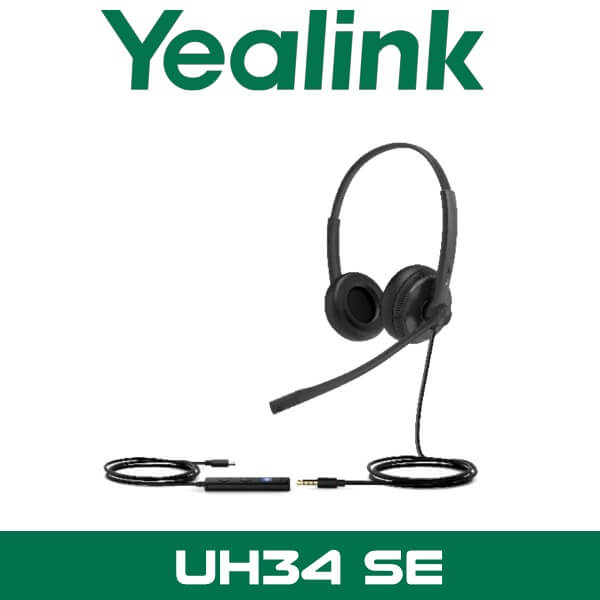
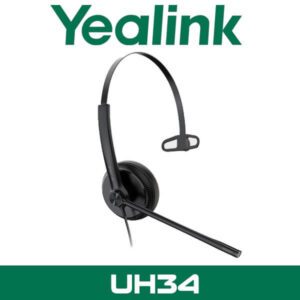
Yealink UH34 SE Wired USB Headset UAE Dubai
A wired headset still makes sense in Dubai offices. Especially when the team is on calls from 8AM, the laptops are docked all day, and nobody wants one more battery to charge. In a support room with glass partitions, ceiling AC running hard, and ten people speaking at once, the wrong headset shows its problems before lunch. The mic picks up too much room noise. The frame starts pressing on the ear. Staff keep adjusting the boom because it never sits properly.
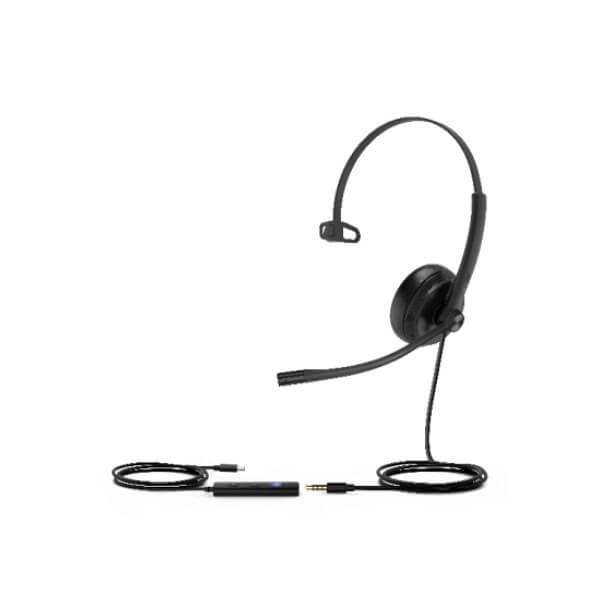
The Yealink UH34 SE is built for that kind of desk. Light on the head, simple on the cable side, and easy for IT teams to roll out across shared workstations, call desks, front-office counters, and hybrid laptop setups. You choose mono when staff need to hear the office around them, or dual when they need better focus during long calling sessions. Yealink UH34 SE UAE is a practical option for Teams users, softphones, and selected Yealink IP phone deployments in Dubai, Abu Dhabi, Sharjah, and all UAE emirates.
82.5g
Mono Weight
118g
Dual Weight
320°
Boom Rotation
28mm
Speaker Size
Which UH34 SE Should You Buy?
Most buyers ask for “the UH34” and stop there. But there are a few decisions that matter before you place the order. Mono or dual. Teams or UC. USB-A or USB-C where available. Those choices change how the headset feels in daily use far more than the brochure language ever says.
| Version | Includes | Best For |
|---|---|---|
| UH34 SE Mono | Single-ear wired headset with controller on supported variants | Reception, help desk, sales desks, and users who need to hear colleagues around them |
| UH34 SE Dual | Dual-ear wired headset with higher passive isolation | Call centres, finance teams, customer service floors, and focused laptop calling |
| Teams Edition | Controller layout aimed at Microsoft Teams workflows | Companies standardised on Teams calling and Teams desktop users |
| UC Edition | Broad softphone call control for standard UC use | Mixed-platform offices using Zoom, 3CX, RingCentral, softphones, and general PC calling |
For most Dubai teams sitting in open-plan offices, the choice is simple. Pick mono when the user needs awareness of the room around them. Pick dual when the job is mostly headset-on, call-after-call work. If your users spend the day on Microsoft Teams, go Teams edition. If the office moves between softphones, CRM dialers, Zoom, or a mixed UC setup, the UC edition is usually the safer order.
Why the UH34 SE Works on Busy UAE Call Floors
The first thing most users notice is the weight. The mono version is 82.5g. The dual version is 118g. That matters more than fancy marketing words. On a real support desk in JLT or a booking team in Business Bay, the headset is worn for hours, not for a five-minute demo. Lower weight means less head pressure, fewer adjustments, and less chance that staff throw it in a drawer by week two.
Then there is the boom arm. The UH34 SE uses a 320° bendable boom, so users can wear it on the left or right side. That sounds small until you deploy thirty units across a team with different preferences. One user wants the mic on the left. Another wants it on the right. Some desks are shared between shifts. This headset handles that without arguments and without strange workarounds.
Yealink also recommends mic placement around half an inch from the mouth. Get that right and the noise-canceling mic does its job properly. In Dubai offices where HVAC noise never really stops and glass partitions let sound bounce around, that microphone position makes a real difference to how clean the caller sounds on the other end.
Light enough for full-shift use
82.5g for mono and 118g for dual keeps the UH34 SE comfortable for long desk sessions. Useful for front desk staff, support agents, reservations teams, and shared service departments running calls most of the day.
Noise-canceling mic for office chatter
The microphone is built to reduce surrounding office noise so the far end hears the speaker more clearly. Helpful in open-plan offices near printer corners, glass meeting pods, and reception areas with constant foot traffic.
Left or right wearing without hassle
The 320° rotatable boom lets users switch sides easily. Good for shared desks, hot-desk teams, and companies that issue headsets across rotating shifts.
Mono or Dual — Which Office Setup Fits?
This isn’t a meeting room product, so the buying decision is about desk environment, call duration, and how much office sound the user needs to hear. That is where most wrong orders happen. Someone buys the cheaper mono version for a high-volume support role, then wonders why the agent wants to replace it three weeks later. Or they buy dual for a receptionist who needs to hear visitors walking in. Wrong fit.
| Use Case | Recommended | Why |
|---|---|---|
| Reception / Front Desk | UH34 SE Mono | User can stay on calls and still hear visitors, colleagues, and desk activity |
| Sales Calling Teams | Mono or Dual | Mono for shared office awareness, dual for longer focused calling blocks |
| Call Centre / Support Desk | UH34 SE Dual | Better focus and more passive isolation on noisy floors |
| Hybrid Laptop Users | Depends on call style | Mono for mixed desk work, dual for long meeting and calling sessions |
Not the right fit?
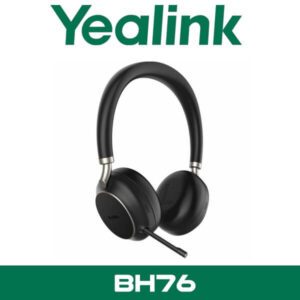
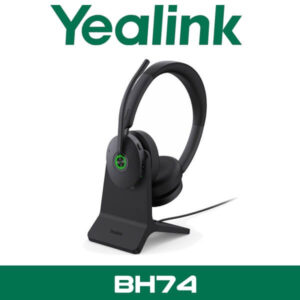
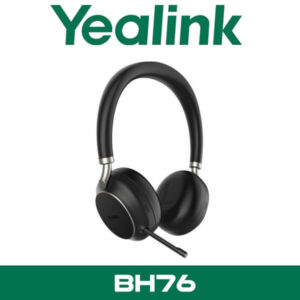
If your team wants wireless roaming between desk and pantry, the UH34 SE is not that headset. It is for fixed desks and wired reliability. If users need Bluetooth and mobile-first working, look at the Yealink headset range and models like BH72 or BH76 instead.
Call Control and Daily Use
On supported controller versions, daily controls are right on the cable. Answer. End. Reject. Mute. Volume up and down. Redial of the last outgoing call. Small things, but on a busy desk they save a surprising amount of time. Staff don’t need to keep clicking back into the softphone window every few minutes.
This is one reason wired USB headsets still sell well in Dubai. They are predictable. Plug them in, assign the audio device, and staff start working. No pairing issues. No dead battery at 3PM. No one looking for the charging cable that disappeared last week.
The UH34 SE also supports replaceable ear cushions, which matters for operations teams running large seat counts. For shared desks, training rooms, and growing support teams, that keeps the headset usable longer and makes refresh cycles easier to manage.
Platform and Device Compatibility
The UH34 SE is a straightforward fit for Microsoft Teams users, and Yealink also lists compatibility with common softphone platforms including Zoom, 3CX, Unify, and RingCentral. That makes it useful for UAE companies running mixed calling environments rather than one locked platform.
It is also worth noting that the SE version can be used through the YHC20 SE controller to a PC or supported Yealink IP phone, or connected directly to a mobile device without the controller depending on the edition being supplied. That flexibility helps when one customer wants a pure laptop headset and another wants headset standardisation around Yealink desk phones.
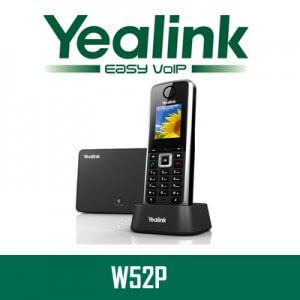
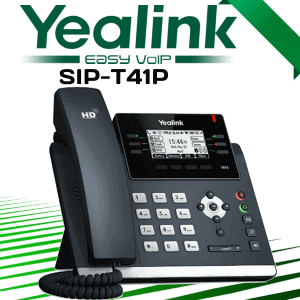
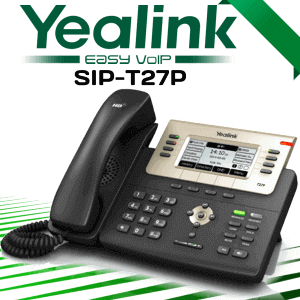
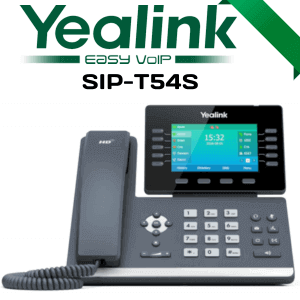
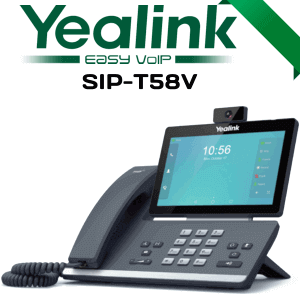
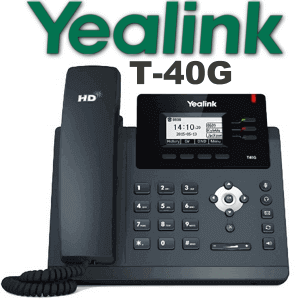
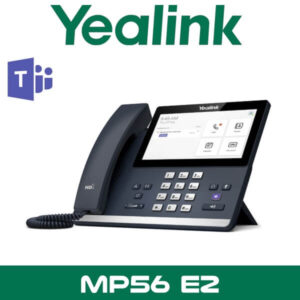
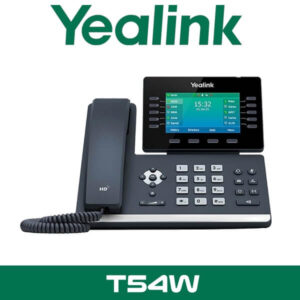
For offices already deploying Yealink IP phones such as the T54W, T53W, and T43U, the UH34 SE sits neatly into the same desktop setup without adding wireless management headaches.
Send Chunk 2B when you want the second half with specs table, what’s in the box, installation, Etisalat/du angle, Africa export paragraph, FAQ, and the final WhatsApp CTA block.
Technical Specifications
| Specification | Detail |
|---|---|
| Headset Type | Wired USB headset family with UH34 SE Mono and UH34 SE Dual options |
| Speaker Size | 28 mm speaker |
| Microphone | Noise-canceling microphone with passive office-noise reduction support |
| Audio Bandwidth | Wideband audio up to 15 kHz |
| Boom Arm | 320° bendable boom arm, left or right wearing |
| Weight | Mono 82.5g · Dual 118g |
| Cable Length | 1.2 m headset cable + 0.9 m USB lead |
| Call Control | Answer, end, reject, mute, volume, and redial on supported controller versions |
| Compatibility | Microsoft Teams, Zoom, 3CX, RingCentral, Unify, PC softphones, selected Yealink IP phones |
| Management | Supports Yealink USB Connect and device management platform tools |
| OS Support | Windows and Linux support listed by Yealink |
| Replaceable Parts | Replaceable ear cushions |
What Comes in the Box
The exact box can vary slightly by edition, but the standard supply is the headset itself, inline controller on supported versions, USB connection lead for the ordered model, and user documentation. For teams ordering in volume, we normally confirm the exact Mono or Dual, Teams or UC, and connector type before dispatch so there are no surprises at deployment.
Not included — order separately if needed
Laptop, desk phone, USB-C adaptor if your ordered variant is USB-A, spare ear cushions, and any call-centre rollout accessories. WhatsApp us for a combined quote if you need the headset supplied with Yealink IP phones or with other Yealink headset models for mixed teams.
Yealink IP Phone and UAE Calling Platform Fit
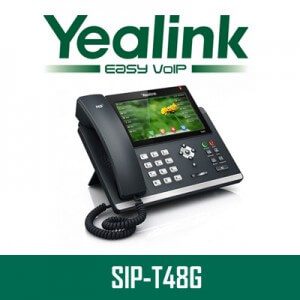
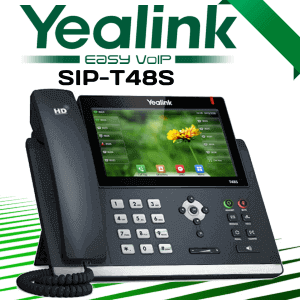
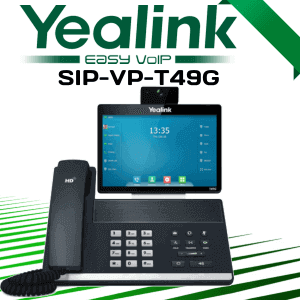
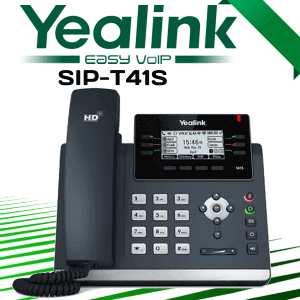
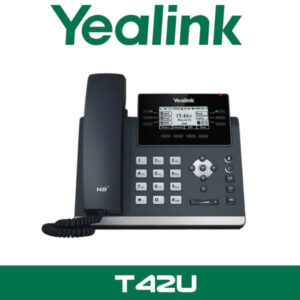
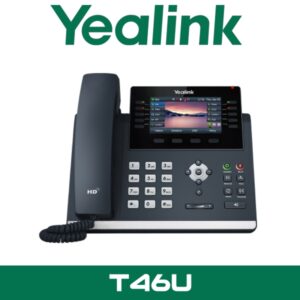
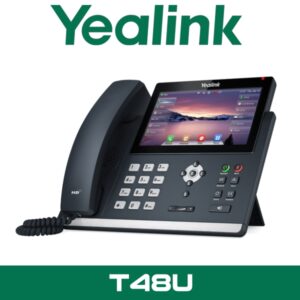
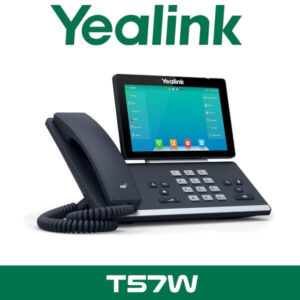
The UH34 SE makes the most sense when the office is standardising around Yealink desks and laptop softphones at the same time. Yealink lists compatibility with a wide group of desk phones including the T42U, T43U, T46U, T48U, T53, T53W, T54W, T57W, T58A, and VP59 series. That gives IT teams a clean way to keep the same headset family across reception, management desks, and support teams.
For UAE offices using Teams calling, Zoom softphones, 3CX, or RingCentral on Windows laptops, the UH34 SE is an easy daily driver. Plug it in once, set the preferred audio device, and the user is ready. No pairing. No battery check. No missing dongle. That is why wired models still hold their place in finance, healthcare admin, logistics desks, and front-office operations across Dubai and Abu Dhabi.
If your business is running SIP calling over Etisalat or du through your softphone platform, the headset sits on the user side of that setup without drama. In plain terms, if the call is landing on Teams, 3CX, RingCentral, or another supported softphone on the PC, the UH34 SE handles the audio side cleanly. For offices also refreshing their handsets, see the Yealink T54W, Yealink T53W, and Yealink T43U.
Deployment and Rollout in Dubai Offices
Headsets do not need wall mounting, but they still need proper rollout. Especially when the order is for 20, 50, or 200 users. The wrong variant mix is what causes the complaints, not the headset itself. Some users need mono because they are speaking to visitors and colleagues while on calls. Others need dual because they are doing pure headset work in a noisier zone. We usually sort that before dispatch, not after.
1
User mapping — We help split the order by Mono or Dual, Teams or UC, and the connector version needed for your desk or laptop estate.
2
Desk rollout — A normal office deployment is fast. Plug in, assign the audio device, test mute and call control, then hand over to staff. For larger teams, rollout can be staged by department.
3
Call test — We check microphone position, app audio selection, mute behavior, and basic user comfort before the batch is signed off.
Coverage — Yealink UH34 SE supply and installation in Abu Dhabi, Dubai, Sharjah, and all UAE emirates. For multi-floor offices in DIFC, DMCC, JLT, Business Bay, and airport-zone operations, we can stage deliveries by team or by department so the switch happens without stopping the workday.
Related Yealink Options
The UH34 SE is the wired, desk-first option in the Yealink headset range. It suits buyers who want simplicity and steady daily use. If the user needs wireless movement around the office, the BH72 or BH76 is the better direction. If the project includes desk phones as well, pair the headset rollout with the Yealink IP phone range for consistent user training and cleaner support.
For offices mixing headsets and meeting rooms, it also makes sense to look at the broader video conferencing category so desk audio and room audio are aligned under the same Yealink estate.
Africa Export from Dubai
We also supply Yealink UH34 SE headsets for enterprise procurement teams, IT resellers, and remote-work rollouts shipping from Dubai into South Africa, Ghana, Nigeria, Kenya, and Egypt. Export pricing and FOB Dubai supply are available for volume orders. WhatsApp +971 55 986 3697 with your quantity split for Mono or Dual and we’ll quote it properly.
Frequently Asked Questions
What is the Yealink UH34 SE price in Dubai?
AED pricing depends on the version you need — Mono or Dual, Teams or UC, and the connection type. WhatsApp +971 55 986 3697 during business hours and we’ll confirm stock and current Dubai pricing for the exact UH34 SE variant.
Should I buy UH34 SE Mono or Dual?
Buy Mono when the user needs to hear the office around them, like reception, admin desks, and shared office roles. Buy Dual when the user spends long blocks on calls and needs better focus, which is usually the better fit for support teams and call-centre staff.
Does the UH34 SE work with Microsoft Teams and Zoom?
Yes. Yealink positions the headset for Teams use and also lists support for common softphone platforms including Zoom, 3CX, RingCentral, and Unify. The Teams edition is the cleaner choice for Teams-first offices, while the UC version suits mixed platforms.
Will this work with our Etisalat or du calling setup?
If your users are making calls through a supported softphone on the PC, the UH34 SE handles the headset side without issue. That includes UAE offices using Teams calling, 3CX, RingCentral, and other desk-based calling workflows connected to Etisalat or du services.
Can we use the UH34 SE with Yealink desk phones as well as laptops?
Yes, on supported editions. Yealink shows the SE working through the YHC20 SE controller to a PC or compatible Yealink IP phone, and some editions can also connect directly to a mobile device without the controller. We normally confirm the right variant before supply.
Is this headset good for noisy open offices in Dubai?
Yes, within the limits of a wired office headset. The noise-canceling microphone helps reduce surrounding office chatter, and the Dual version gives better passive isolation for the user. In open-plan floors with glass partitions and strong HVAC noise, Dual is usually the safer choice.
How long does rollout take for a team order?
Small batches can be deployed the same day once the right variants are selected. Larger rollouts are usually staged by department so users can be tested and handed over without interrupting the workday. We cover Abu Dhabi, Dubai, Sharjah, and all UAE emirates.
Is the UH34 SE in stock in Dubai?
Stock can move by variant, so the fastest way is to send the exact requirement on WhatsApp — Mono or Dual, Teams or UC, and quantity. We’ll confirm current Dubai availability and advise the best match for your users.
Yealink UH34 SE in stock in Dubai. Supply and installation across all 7 UAE emirates. AED pricing confirmed on WhatsApp during business hours, Monday to Saturday, 8AM to 6PM.


















Reviews
There are no reviews yet.